Exercise Minutes: What Counts Toward Your Ring
5 min read · August 2026 · by Manikanta Sirumalla
Exercise Minutes: What Counts Toward Your Ring
If you've ever finished a long workout and wondered why your Exercise ring didn't move as much as the clock on the wall, you've already discovered the most important fact about exercise minutes: they are not workout duration. They are Apple's count of minutes during the day when your effort was brisk enough to qualify, a rolling, heart-rate-informed activity credit that can come from structured training or from a fast walk that never touched the Workout app.
RepTrack surfaces exercise minutes on the Health Analytics rail (the Exercise pill) with a fixed week view, daily average, and week total. This article explains what the number means, how it differs from Strain and logged sessions, and how to read it honestly.
What Apple counts as an exercise minute
Apple Watch awards exercise minutes when:
- Your heart rate rises into a brisk zone relative to your age and fitness (roughly the effort of a brisk walk or better), or
- You're in a Workout that counts as exercise even if heart rate is unavailable (some indoor modes).
What doesn't always count:
- Slow walking around the house, often Steps yes, Exercise no.
- Long rest periods inside a workout: the ring credits effort minutes, not elapsed gym time.
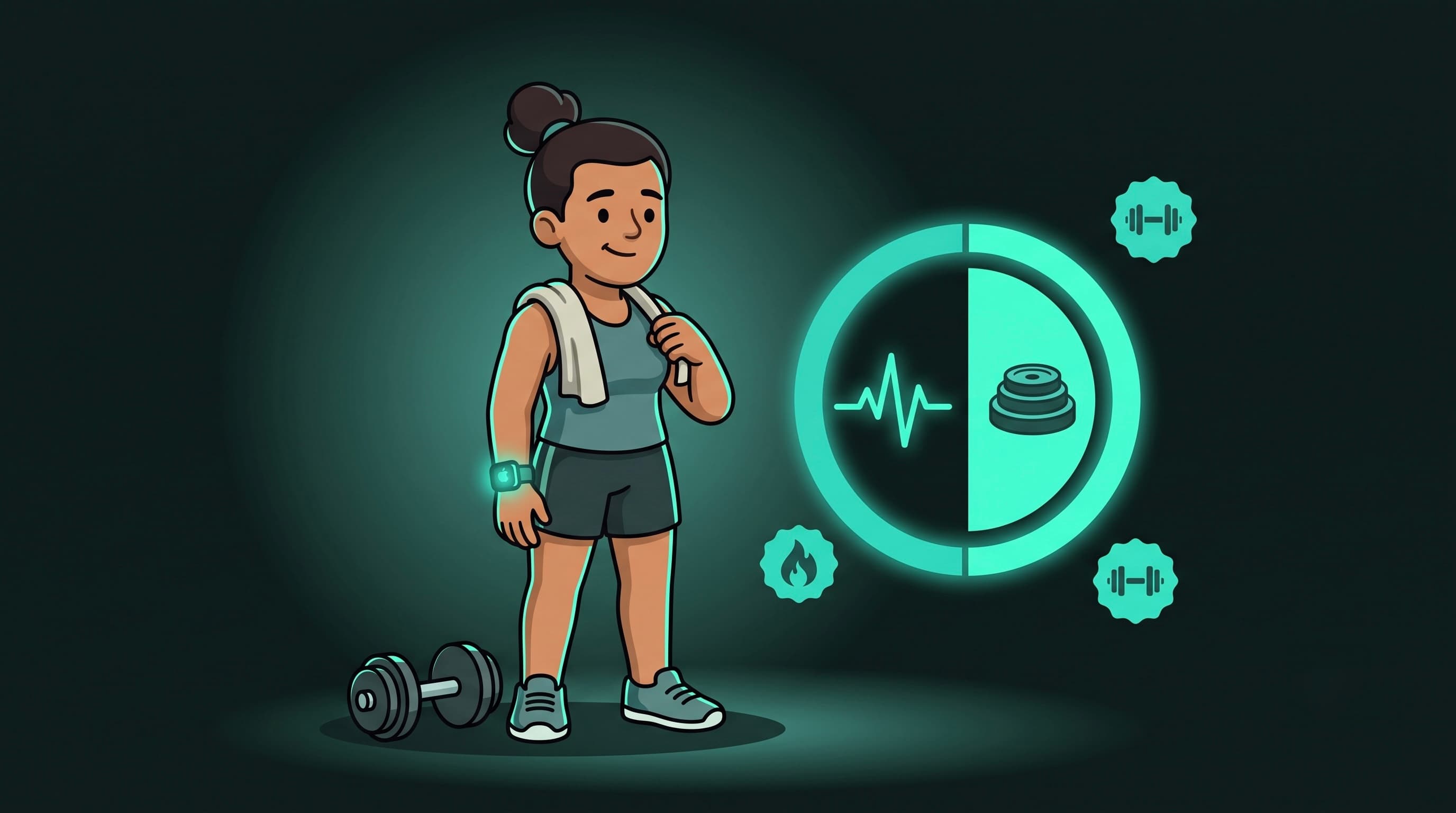
- Strength sessions with long rests: you may log 75 minutes in RepTrack while Apple credits far fewer exercise minutes; both can be true because they measure different things.
RepTrack reads appleExerciseTime from Apple Health (summed per day) and displays it without re-scoring or re-interpreting Apple's rules. The metric page subtitle says "Exercise ring minutes" so the source is never ambiguous.
What you see in Health Analytics
The Exercise tab shows:
- Today's minutes toward the ring (integer).
- A bar chart of the last seven days (fixed week window, unlike HRV or SpO₂, this metric doesn't offer month/six-month selectors on the page).
- Daily average and week total stats for the plotted window.
- On the All Health → Health Monitor grid, exercise minutes is not shown as a tile (owner direction, 2026-08-05), the dedicated rail tab is the home for this metric.
Personal band and "So far today"
Exercise minutes accumulate through the day, like steps and total burn. RepTrack's monitor logic treats cumulative metrics specially on the All Health grid when they appear elsewhere; for Exercise, the detail page is the primary surface.
When a cumulative metric does appear on the monitor with a band, mid-day readings are shown without a judgment pill ("So far today") because grading 9am step counts against a band built from full days would read "Below usual" every morning. Exercise minutes follow the same philosophy when viewed in cumulative context.
For exercise minutes specifically, semantics are higher-is-more-activity when a band exists: more minutes above your usual band reads positively, but the metric is about movement credit, not training quality.
Exercise minutes vs Strain vs logged workouts
Three different lenses, all legit:
| Lens | What it measures |
|---|---|
| Exercise minutes | Apple's brisk-effort minutes toward the Activity ring |
| Logged workouts (RepTrack) | Sessions you record, sets, reps, duration, RPE |
| Strain | RepTrack's integrated daily load score (HR TRIMP + muscular tonnage + ambient movement) |
A heavy leg day might log 90 minutes in RepTrack, earn 25 exercise minutes on Apple Watch, and produce a high Strain score, none of those contradict each other. Exercise minutes answer "how much brisk movement did Apple see today?" Strain answers "how much total physiological cost did the day carry?"
How to actually use exercise minutes
- Consistency target, not hero days. A steady 30–45 minutes most days beats one 120-minute Sunday and five zeros, for health markers and for habit.
- Compare to your own month. The % vs last month row (when computable) shows whether your brisk-activity habit moved, not whether you beat someone else's ring.
- Don't use it as lifting volume. For strength progress, trust your logged sessions and Strain; the exercise ring under-counts slow, heavy work by design.
- Pair with steps and total burn. Steps capture incidental movement; exercise minutes capture intensity; total burn captures energy, together they describe an active day better than any one alone.
Missing data
If exercise minutes are empty:
- No Apple Watch (or no exercise-time data written to Health), the phone alone does not fill this metric.
- Health read permission for Exercise Time not granted, check Settings → Health; iOS won't tell RepTrack which types were denied.
- New watch / new phone: history fills in as days pass; empty charts are honest, not errors.
The bottom line
Exercise minutes in RepTrack are Apple's brisk-effort tally: displayed faithfully, charted week-by-week, and interpreted as your activity-habit signal, not workout quality and not Strain. Use the ring for daily movement credit; use RepTrack logs and Strain for training load. Read the weekly total and the month comparison, and build the habit of most-days movement rather than chasing a single green ring closure.
Sources
- Apple Support, Activity rings, Exercise ring, and how exercise minutes are calculated.
- Apple HealthKit,
HKQuantityTypeIdentifierAppleExerciseTimedaily aggregation. - US CDC / American Heart Association, 150 minutes/week moderate activity guidelines (context for weekly totals).
- StrainEngine E-section documentation, distinction between Apple exercise time and integrated training load.